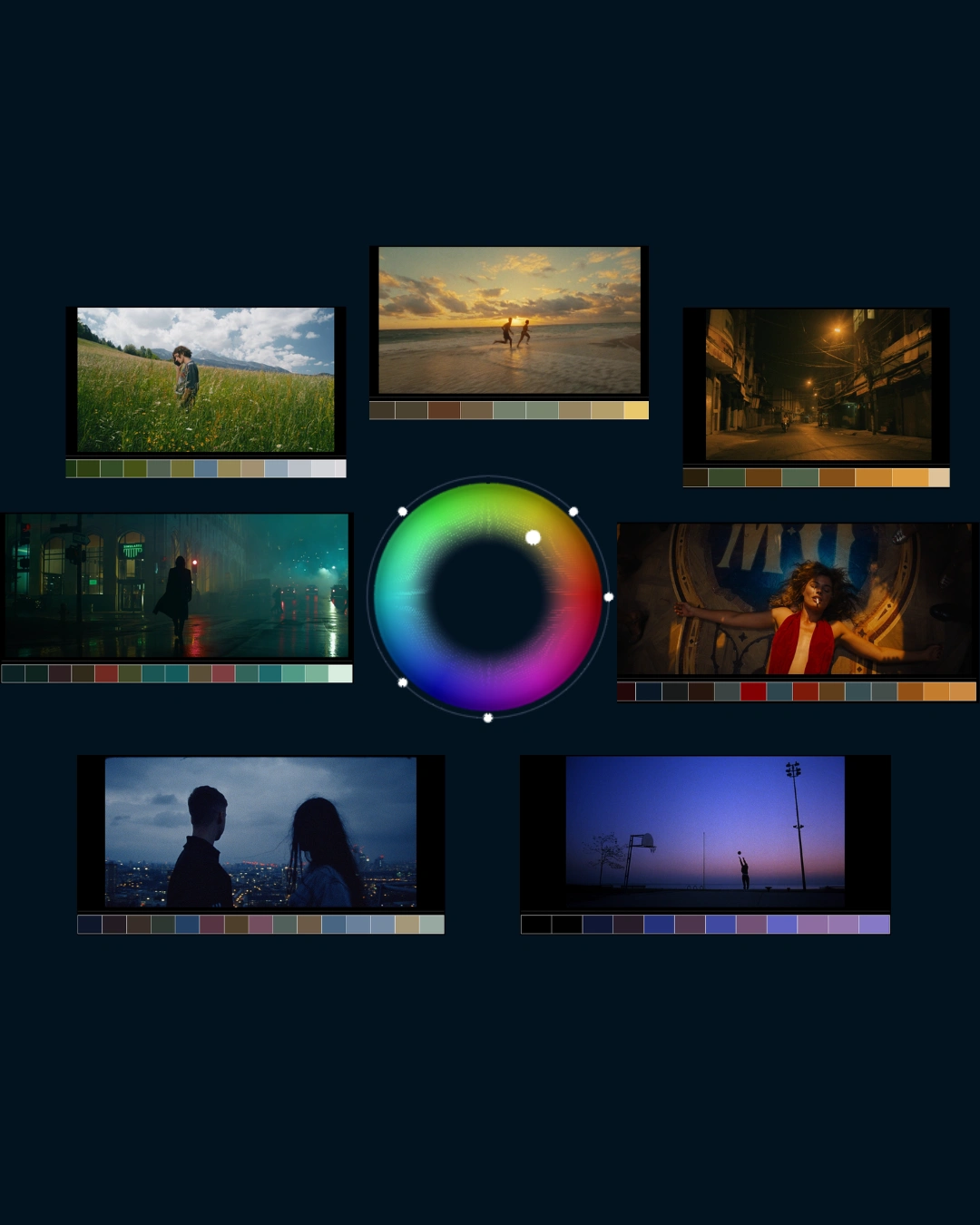
Orb

Orb.OFX

The Most Intuitive Color Grading Plugin for DaVinci Resolve

Person holding a camera with a portrait on the screen

A look is a space, not a point

What is Orb.OFX?

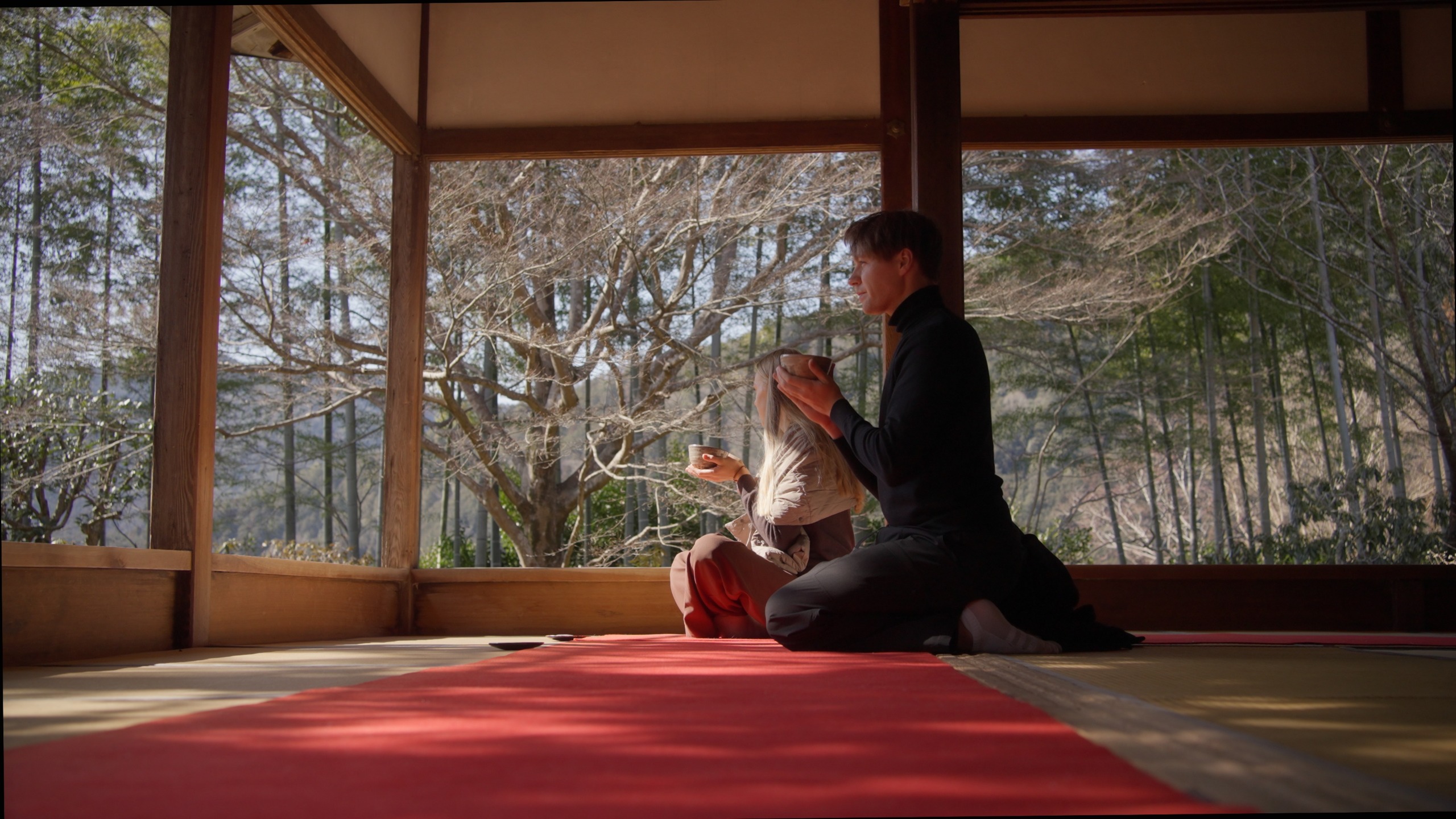
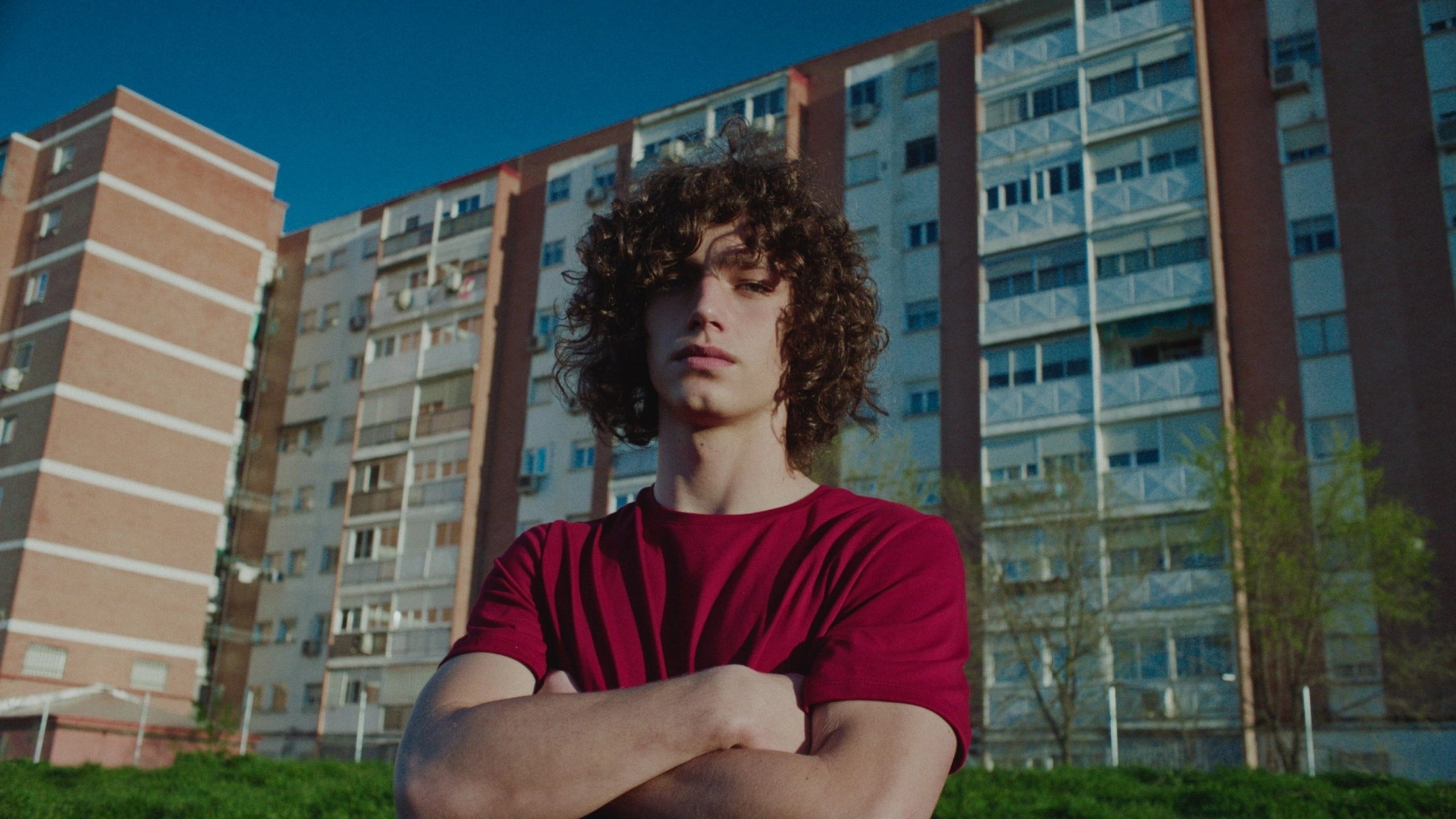
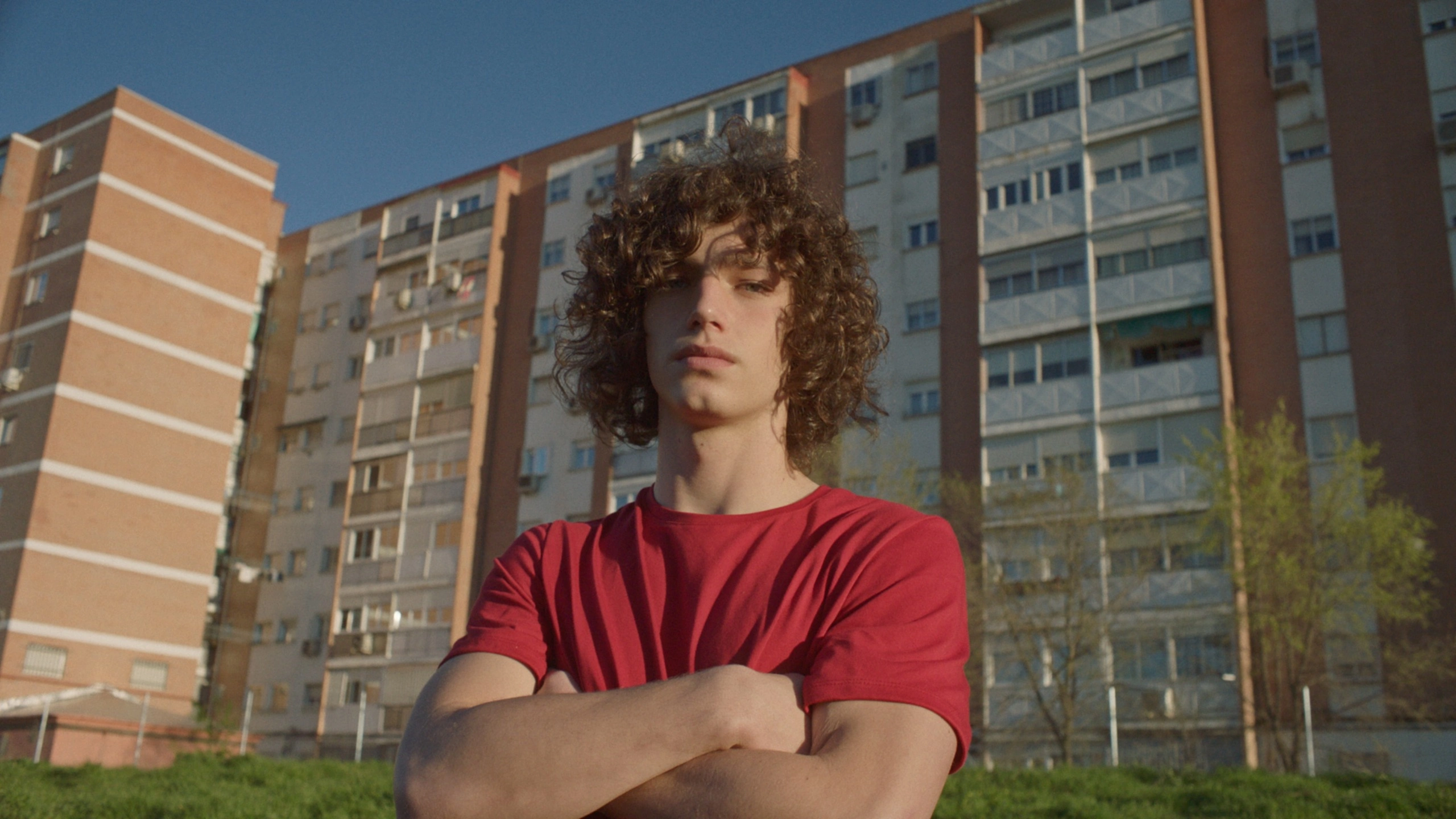
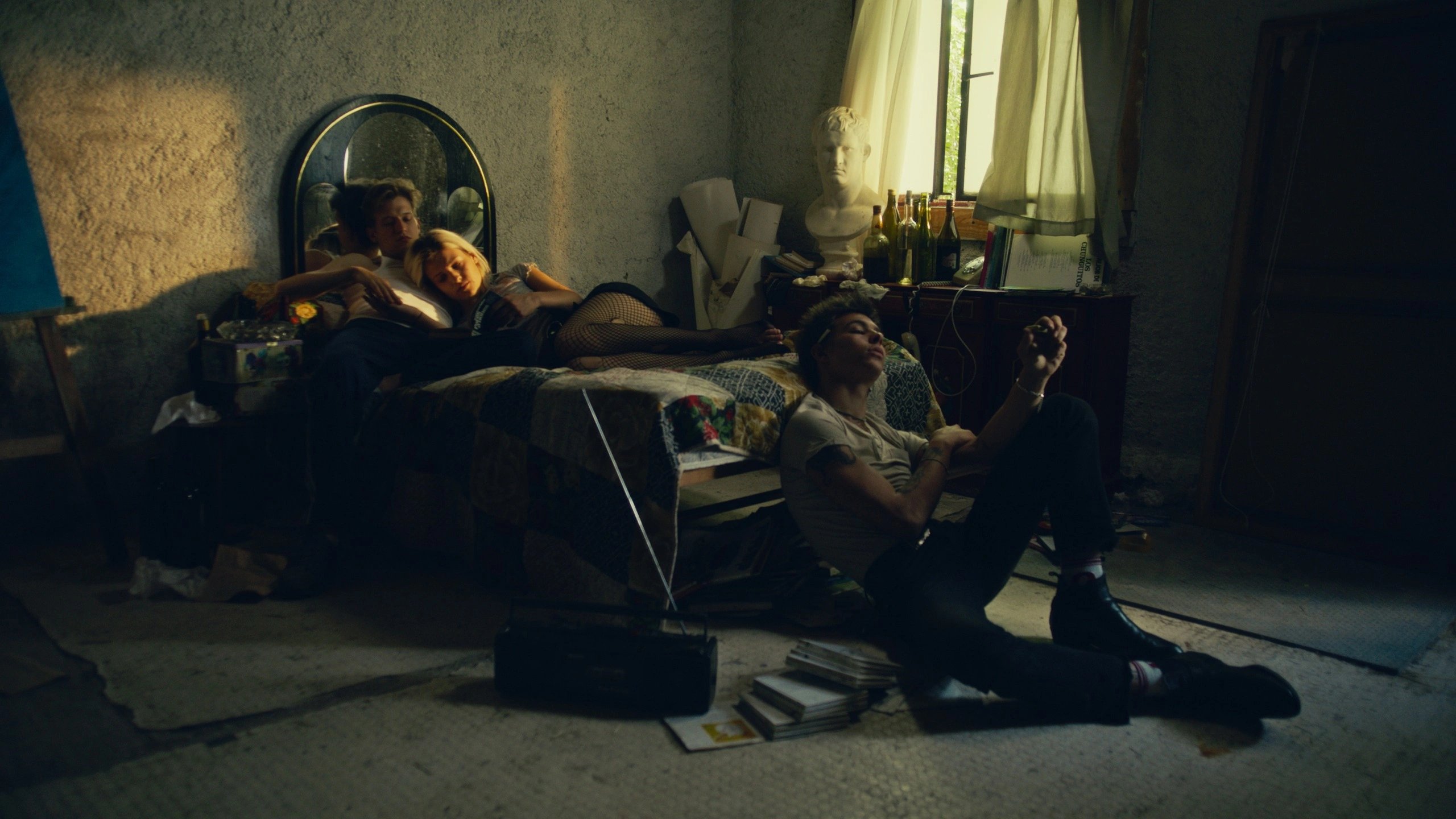
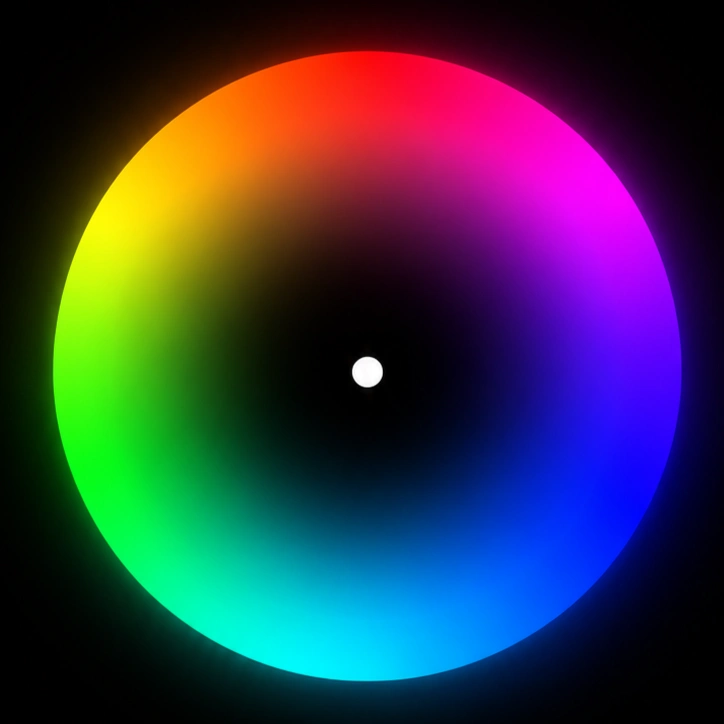
Orb is a new way to create looks, inspired by the color wheel. Presets and LUTs are points: you either pick one or you don't. Orb treats looks as a continuous space. Stop anywhere between the five looks and you are still on a finished color. Orbはカラーホイールからインスピレーションを受けた、今までにないルックの作り方です。プリセットや LUT は「点」です。選ぶか、選ばないか。 Orb はルックを連続した空間として扱います。 5つのルックの間のどこで止めても、そこはひとつの完成した色です。

FEATURES / 01 OF 07

7 key features

Explore the ideas, tools, and details that make the experience feel effortless.

01

Look wheel

Drag the sphere that appears over your image to travel between crafted looks. The center is natural; the look deepens toward the rim, and the direction you drag decides its character. Rather than picking a preset, you move through a space of color. The five dots on the orbit mark the registered looks. Every position in between is a valid look too — the whole space is continuous, with no steps or seams. 映像の上に現れる球体をドラッグするだけで、作り込まれたルックの間を 自由に移動できます。中心はナチュラル、外側へ向かうほどルックが深くなり、 方向によって色の性格が変わります。プリセットを選ぶのではなく、 色の空間を歩き回るという操作です。 軌道上に並ぶ5つの点が、登録されたルックの方向を示しています。 その間の位置もすべて有効なルックで、境目なく連続的につながっています。

SWIPE TO EXPLORE
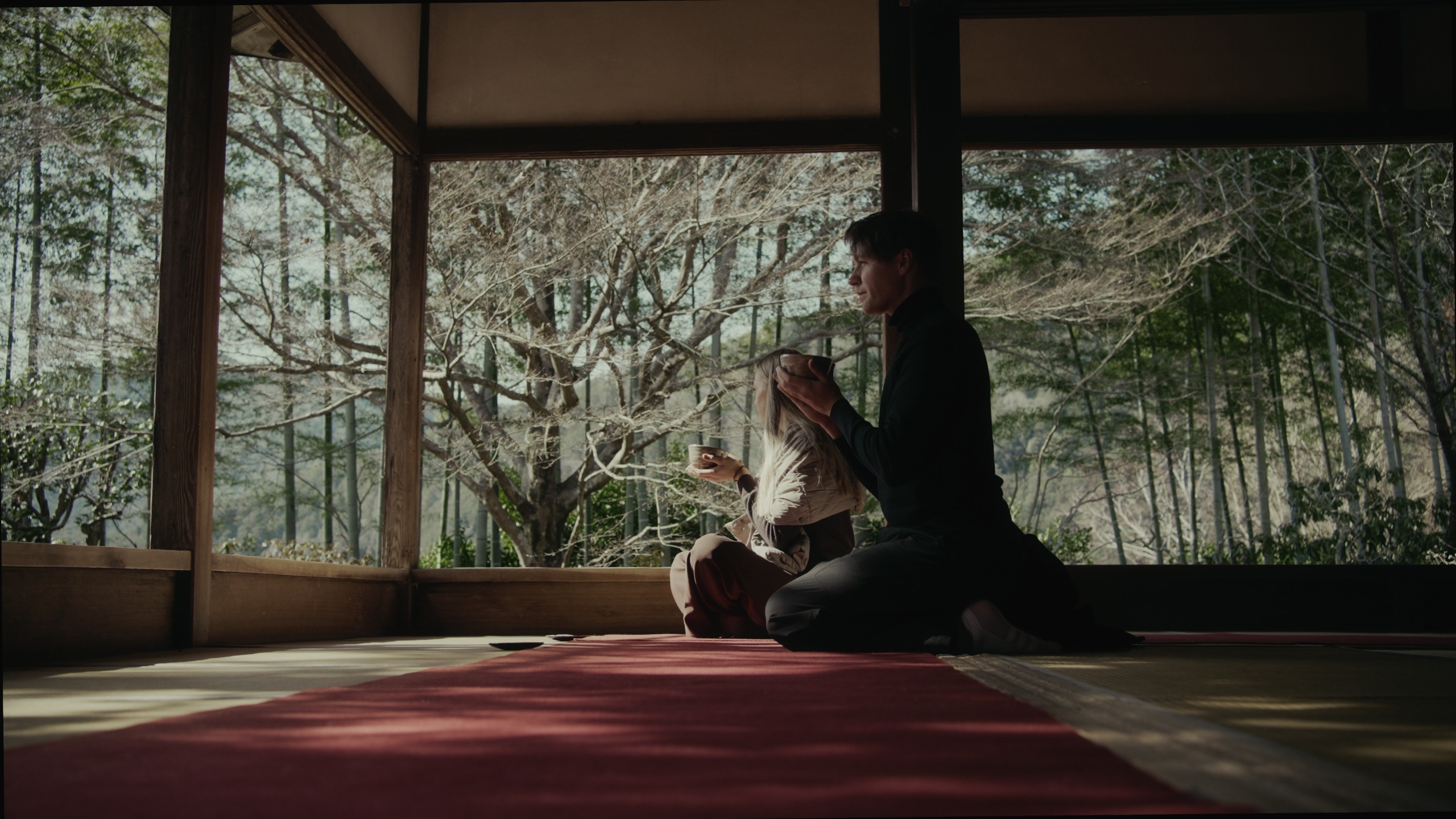
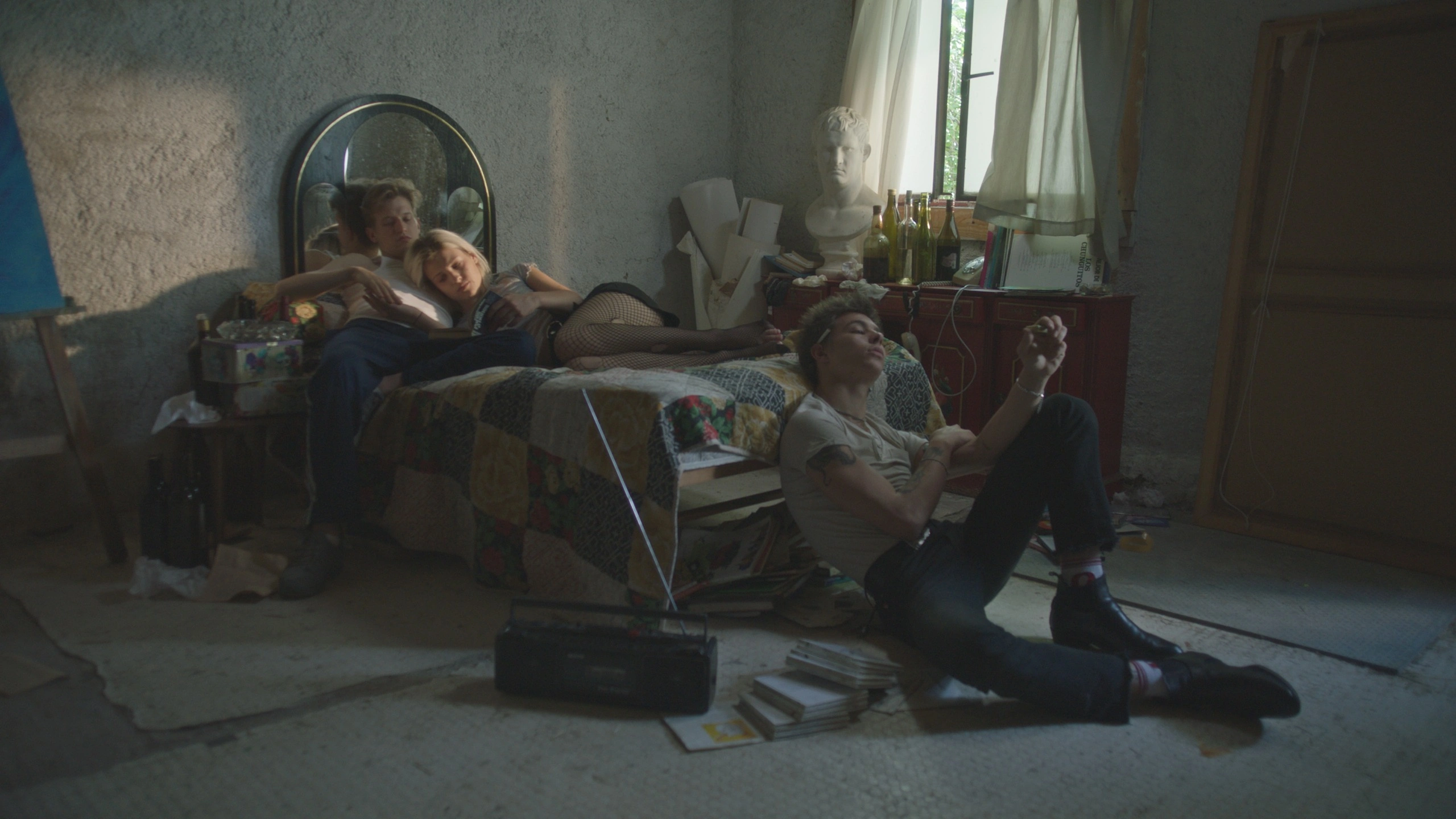
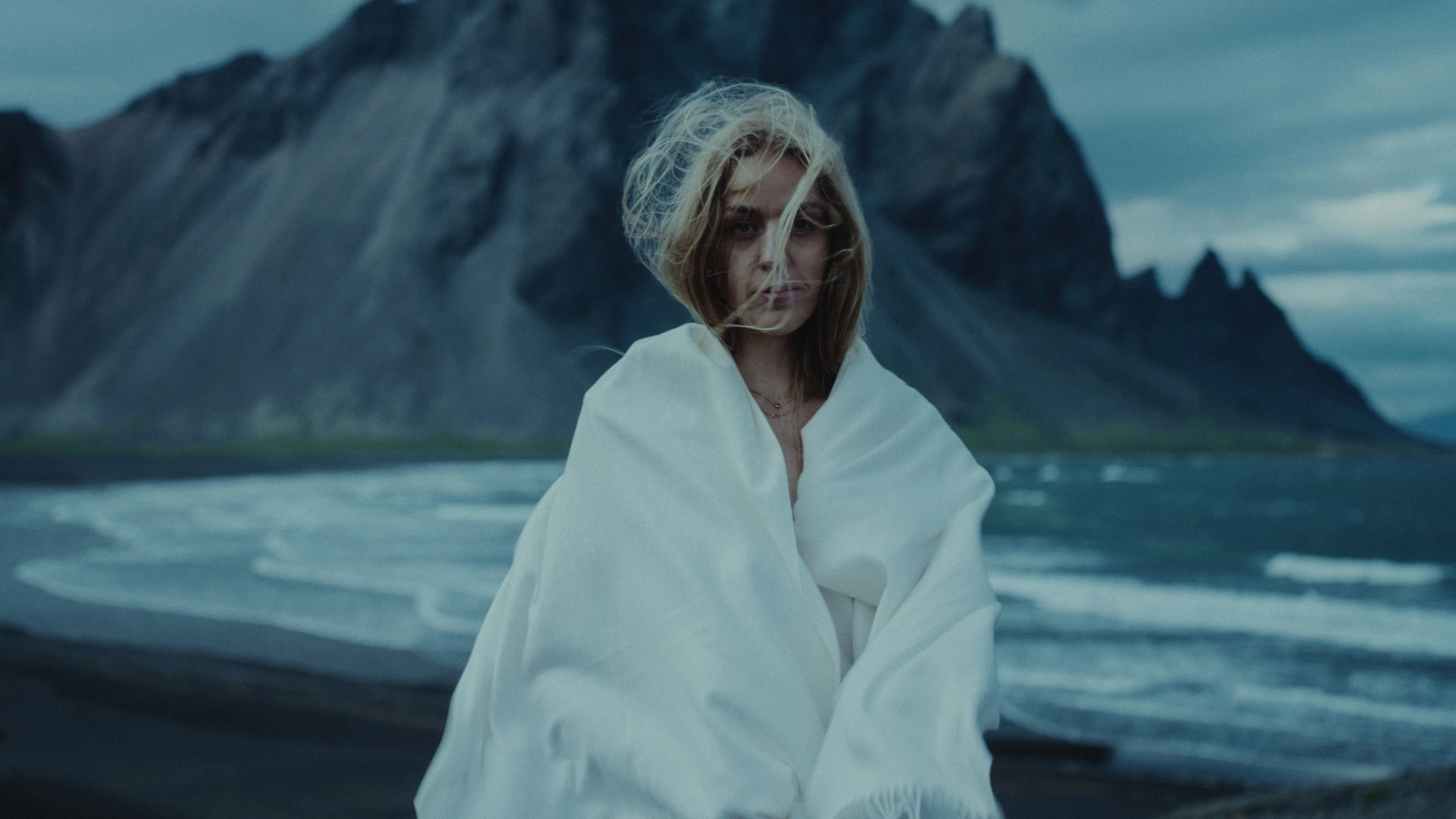
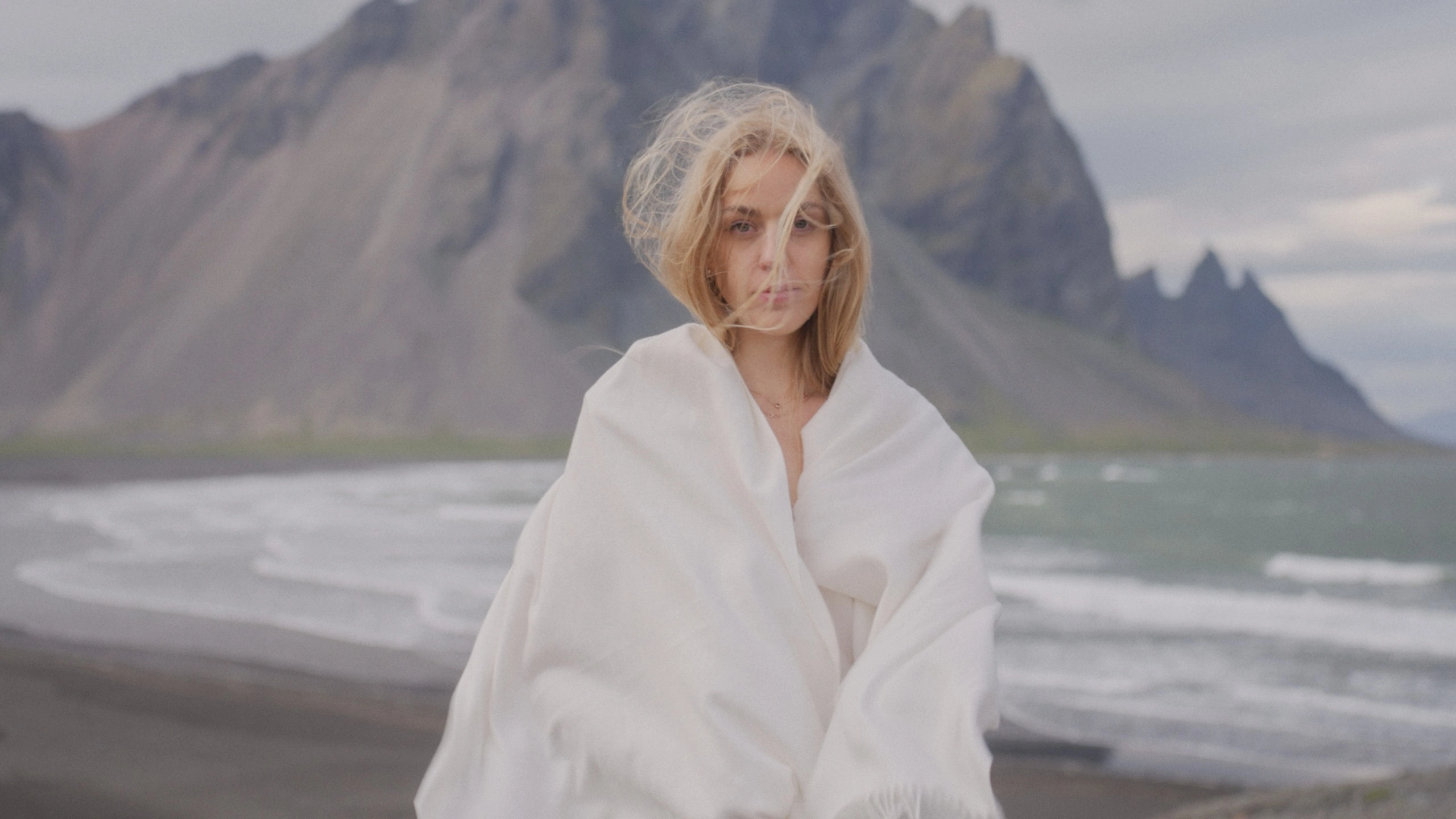
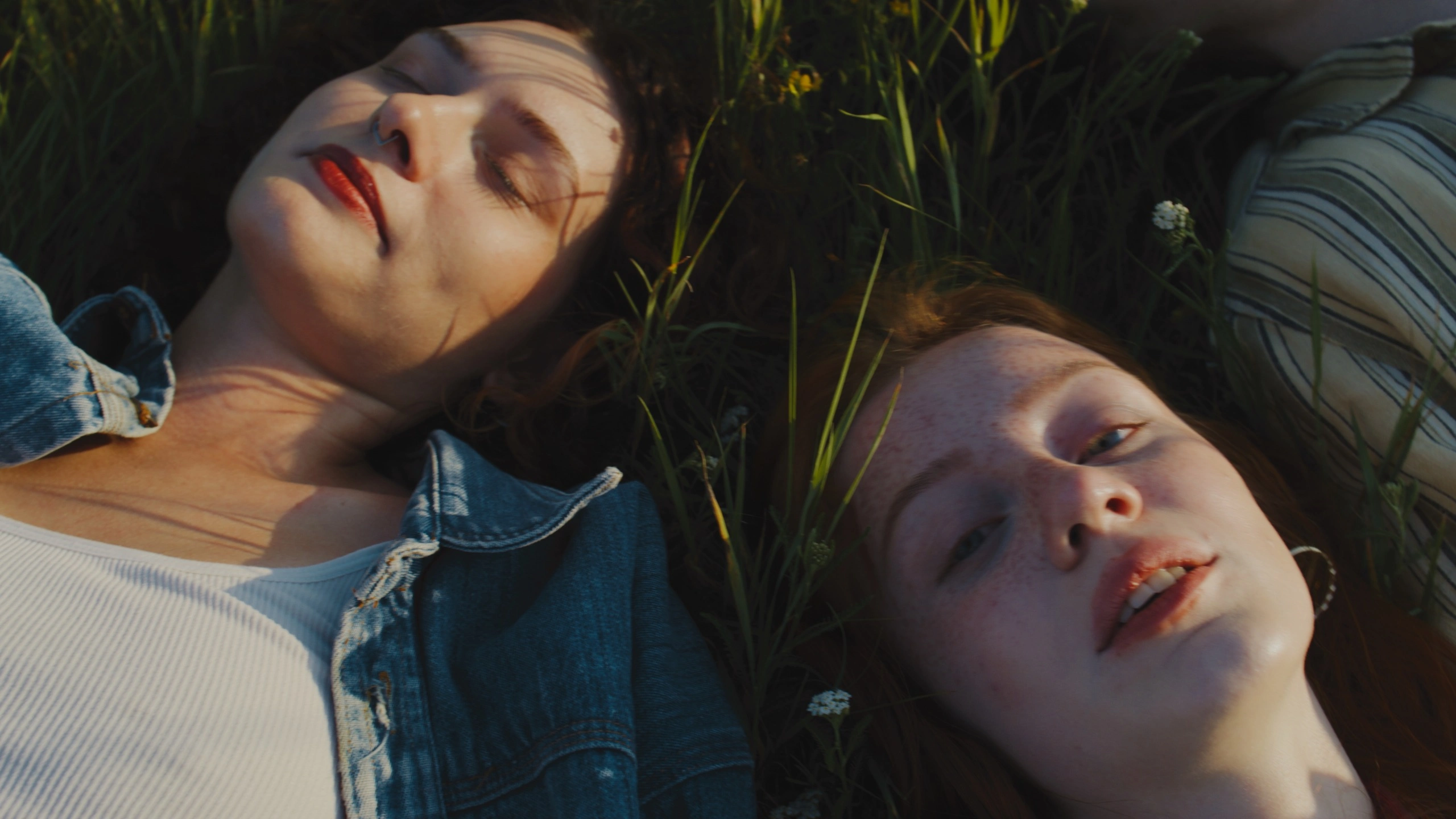
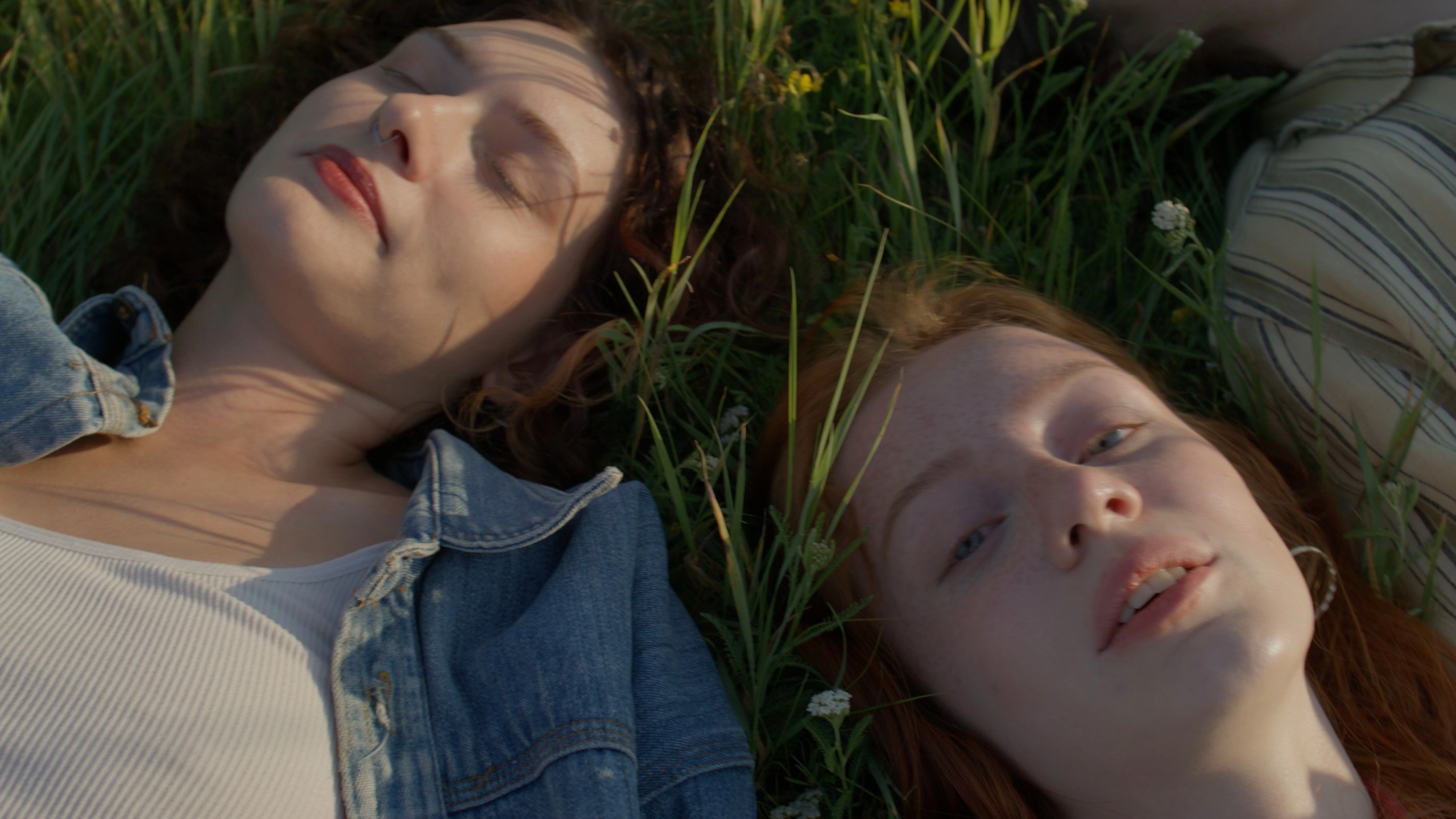
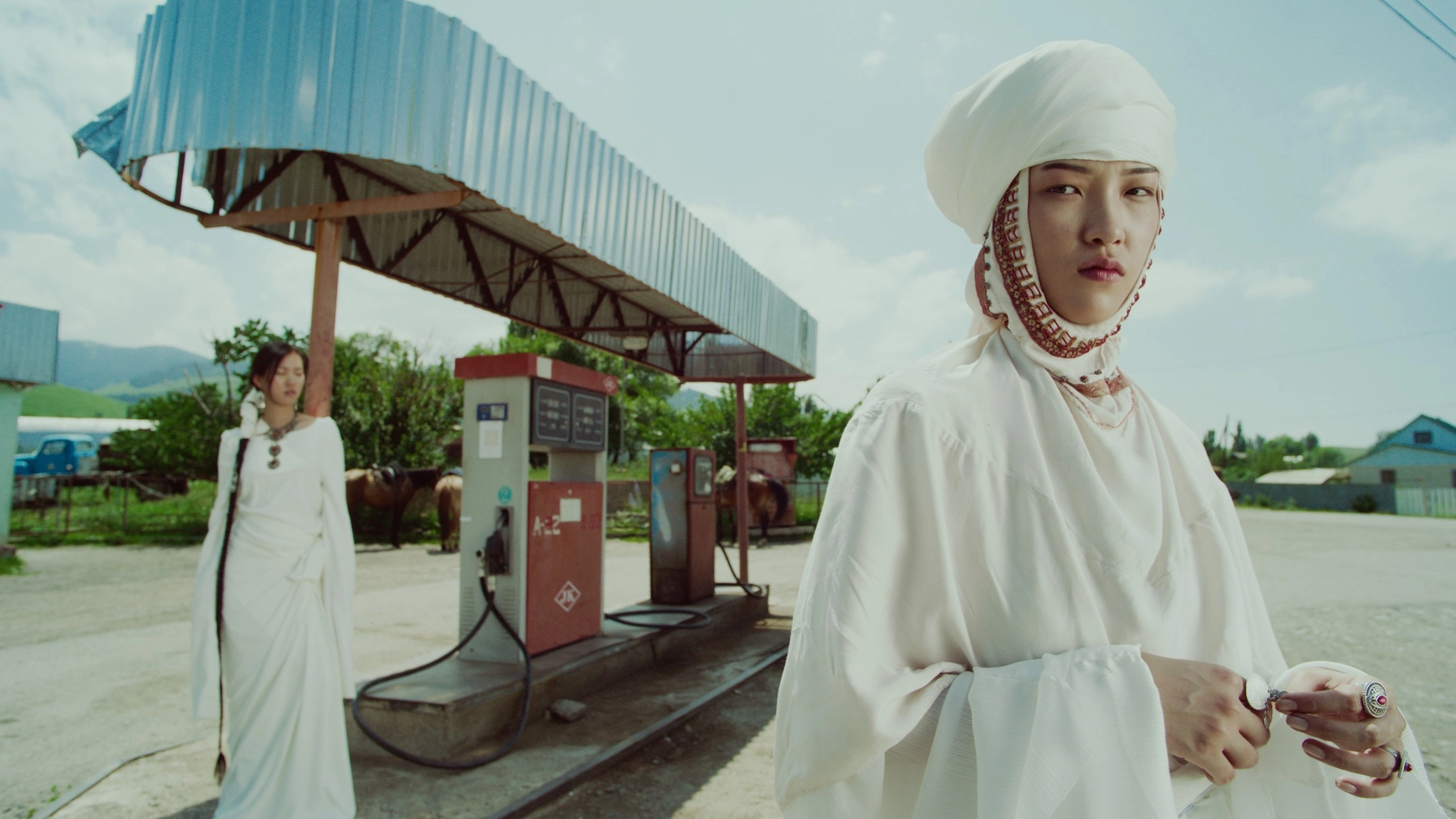
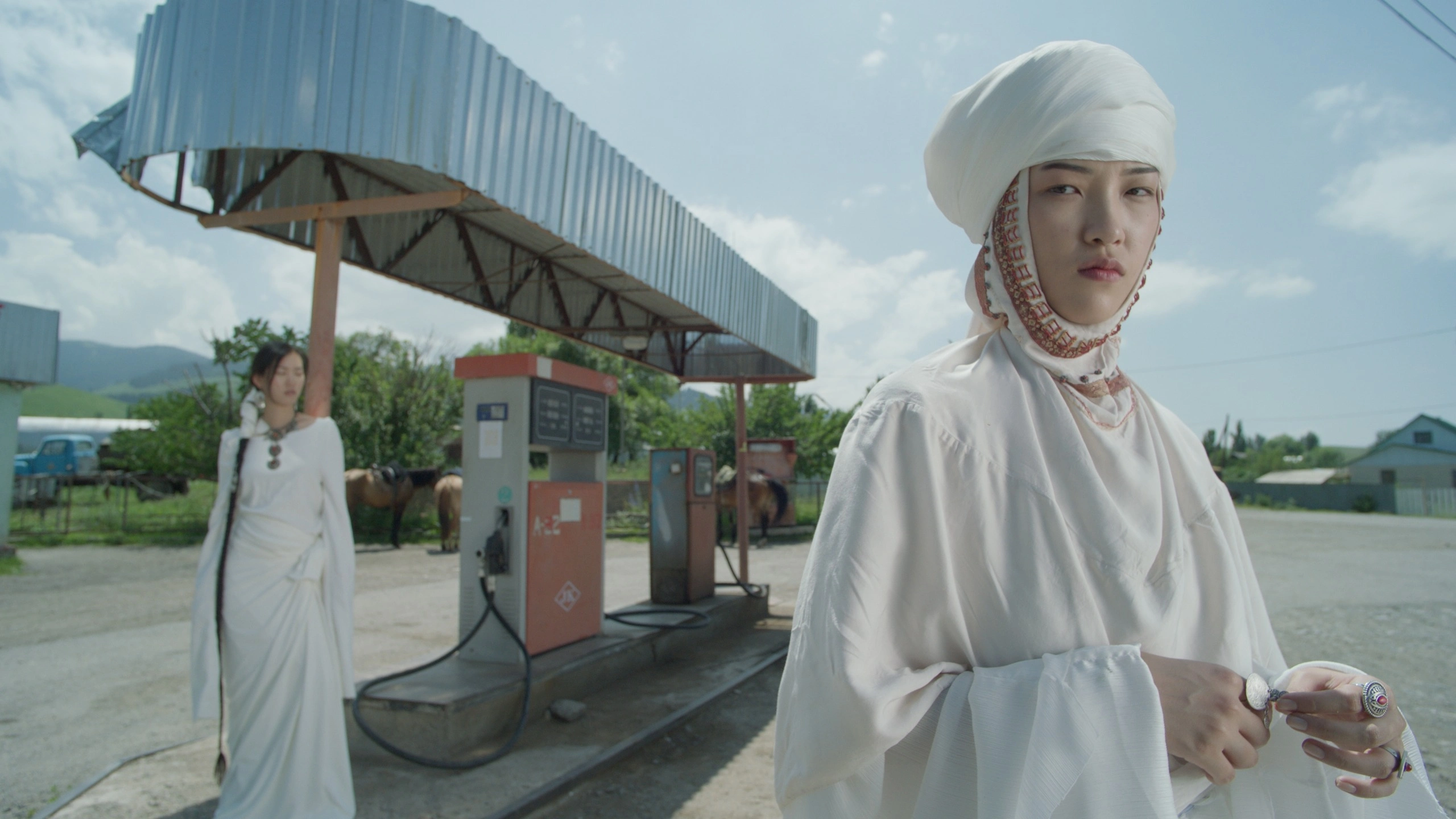
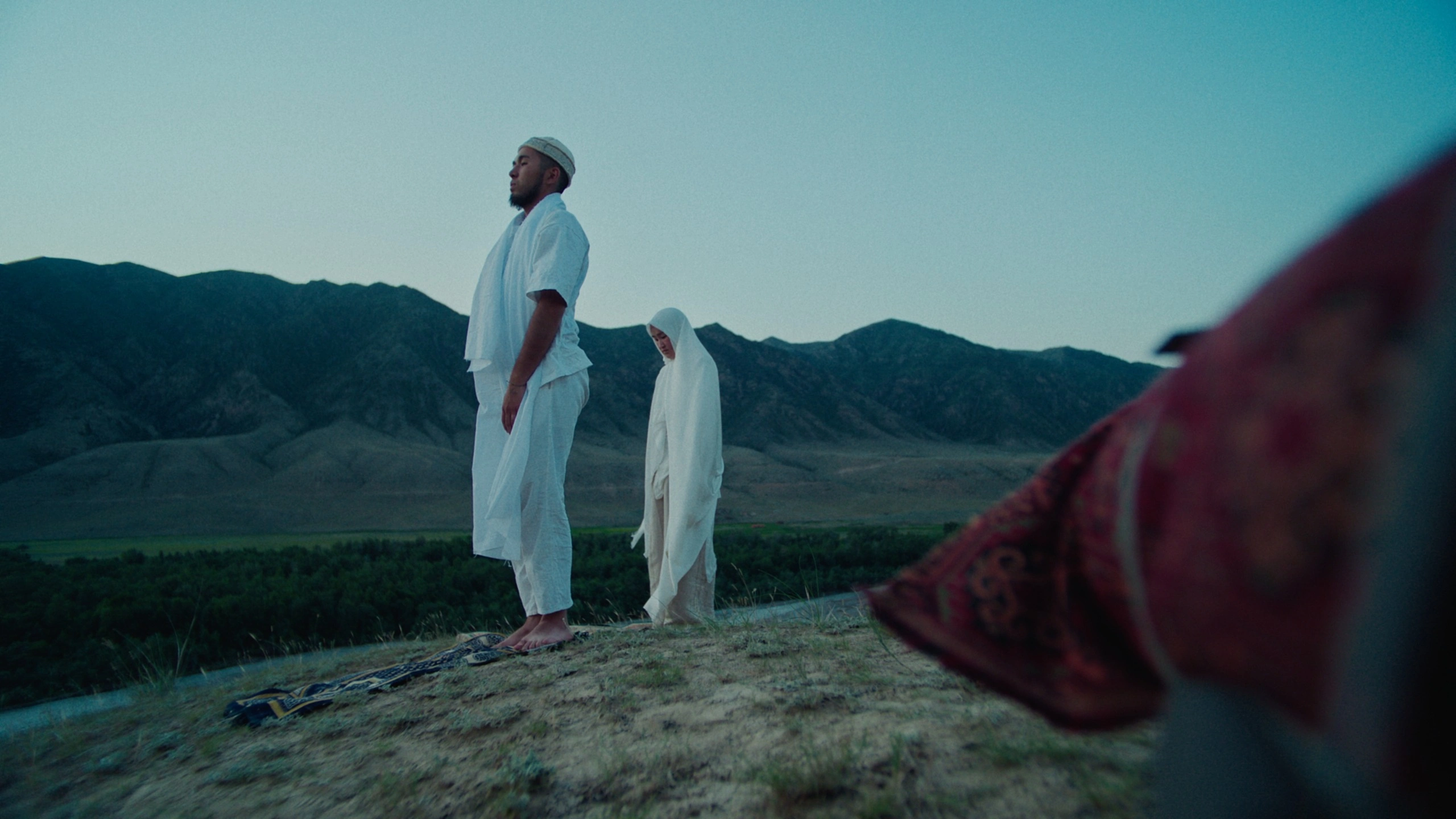
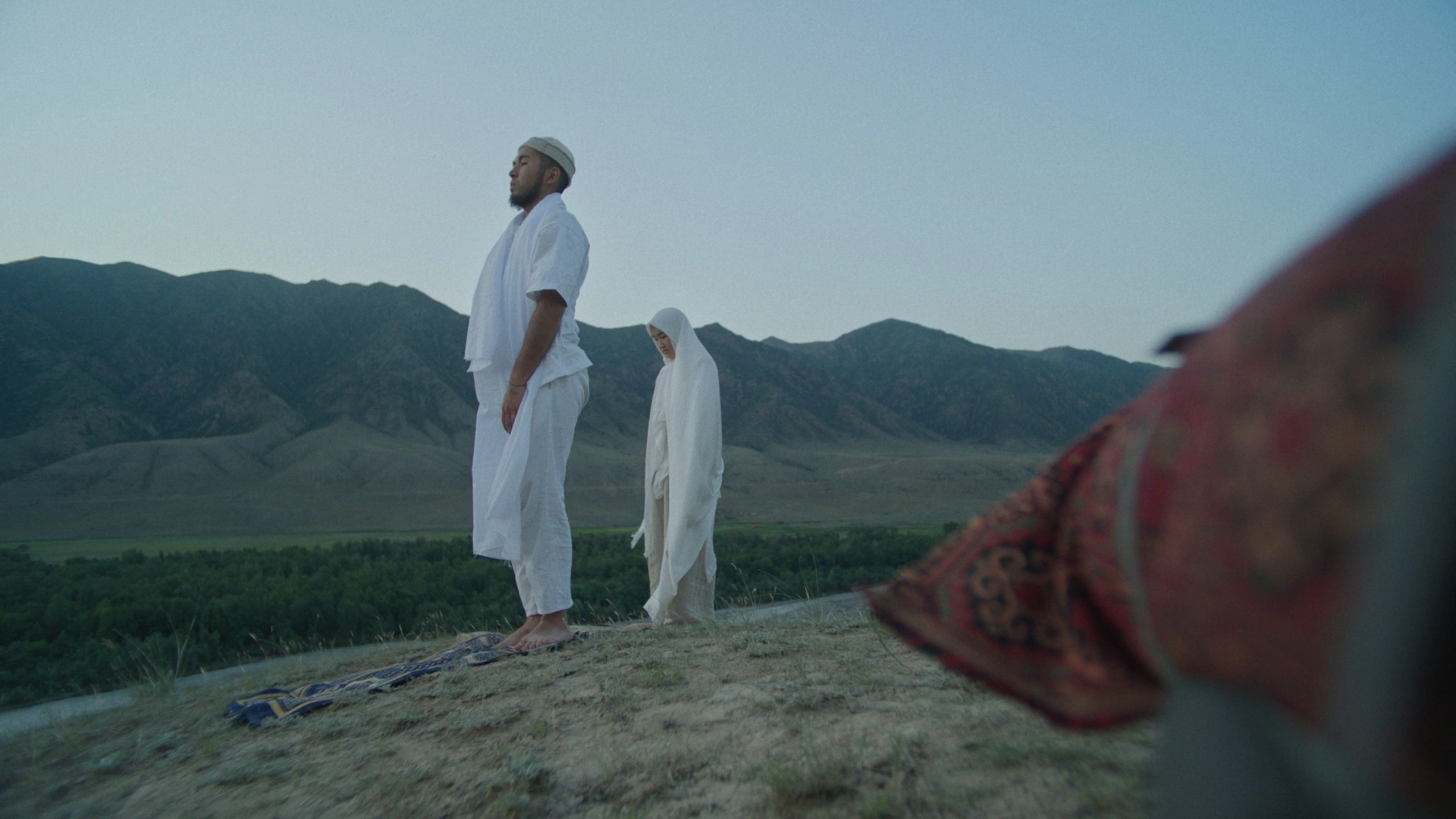
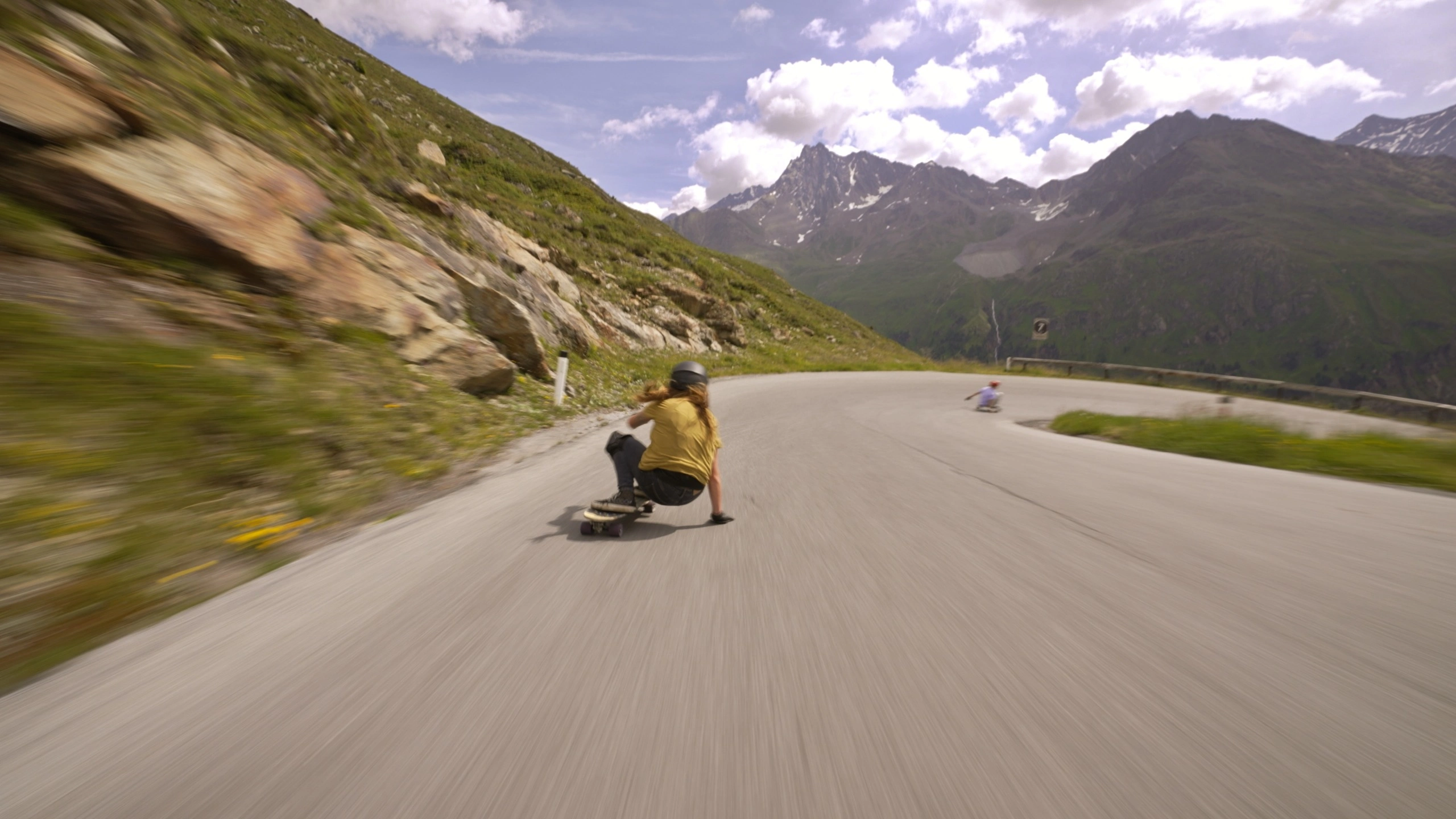
Sample footage

After image 1
Before image 1
Before
After
After image 2
Before image 2
Before
After
After image 3
Before image 3
Before
After
After image 4
Before image 4
Before
After
After image 5
Before image 5
Before
After
After image 6
Before image 6
Before
After
After image 7
Before image 7
Before
After
After image 8
Before image 8
Before
After
After image 9
Before image 9
Before
After
Image

POWERGRADE

Orb.OFX plugin installer (for Mac and Windows) and DaVinci Resolve PowerGrades
We recommend Studio. The free version has been observed to work, but it is not officially supported. Blackmagic's documentation lists third-party OpenFX plugins as a Studio feature. We have seen it run on a free installation, but we cannot guarantee this across every setup, and a future update could change it. If you plan to use the free version, please confirm with the trial before purchasing.
Everything in between. A LUT or preset is a yes-or-no choice. Orb's looks are defined by math, so stopping anywhere between the five looks still lands you on a finished color. No steps, no jumps — you explore the color space itself. And the trims are built so that adjusting tone or color afterward does not break the design of the look.
Yes. Orb is designed around DaVinci Wide Gamut / DaVinci Intermediate. In Project Settings -> Color Management, set the color science to "DaVinci YRGB Color Managed" and color processing to "DaVinci Wide Gamut / DaVinci Intermediate." Other color spaces will not give the intended result. Please check this before purchasing.
Footage you create is yours to use freely, commercially or otherwise. No usage fee, no additional royalty. Client work is fine. You may install it on as many machines as you personally own or manage, on both Windows and macOS. Redistributing, transferring or reselling the plugin itself is not permitted.
Yes. Nothing is disabled — small cross watermarks are rendered into the image, including exports. The trial is treated as a separate plugin, so you can install it alongside the full version. Try it on your own footage first. There is also a browser demo where you can get a feel for the wheel.
Due to the nature of the product, we cannot accept returns or issue refunds after payment. Please try the free trial before purchasing.] If the product does not work as described, please contact us.